 Image 1 of 1
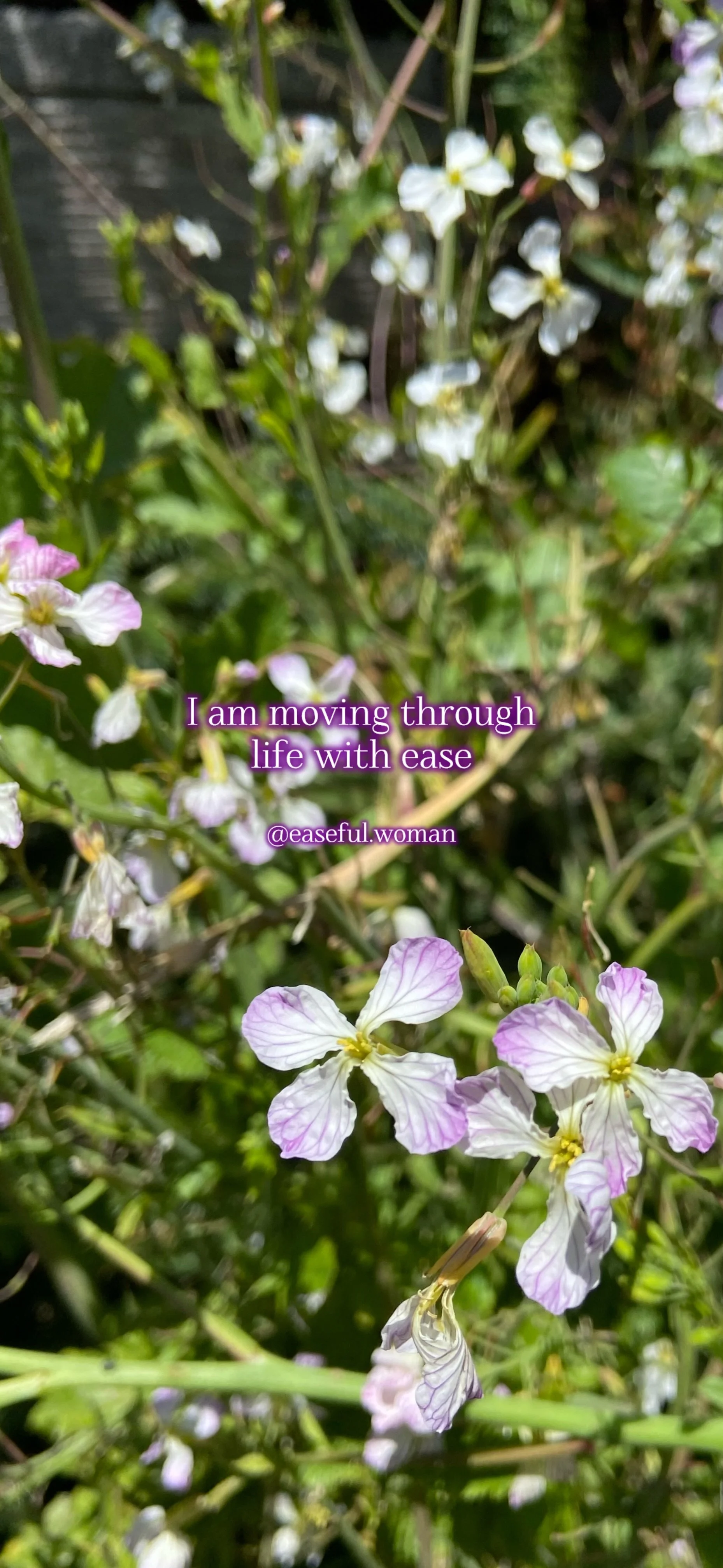
Gentle reminders to view throughout your day. Download each affirmation and set as your phone background.
For iPhone users you can select multiple affirmation photos to rotate throughout the day:
-Hold down the screen on the lock screen
-Select the + symbol
-Select Photo Shuffle
-Choose Select Photos Manually
-Select the Affirmations from your photo library
-Select whether you want the image to change Daily, Hourly, On Lock, Or On Tap
-Select Done in the top right corner
To crop the image to your specific iPhone model:
-Open the image in your phone’s gallery
-Select the adjust button on the bottom row of options
-Select Crop on the bottom row of options
-Select the choose size button on the top right corner
-Slide over to Wallpaper
-Select Done in the top right corner
Gentle reminders to view throughout your day. Download each affirmation and set as your phone background.
For iPhone users you can select multiple affirmation photos to rotate throughout the day:
-Hold down the screen on the lock screen
-Select the + symbol
-Select Photo Shuffle
-Choose Select Photos Manually
-Select the Affirmations from your photo library
-Select whether you want the image to change Daily, Hourly, On Lock, Or On Tap
-Select Done in the top right corner
To crop the image to your specific iPhone model:
-Open the image in your phone’s gallery
-Select the adjust button on the bottom row of options
-Select Crop on the bottom row of options
-Select the choose size button on the top right corner
-Slide over to Wallpaper
-Select Done in the top right corner